How to Turn Your Home Into a Beautiful Content Creation Space
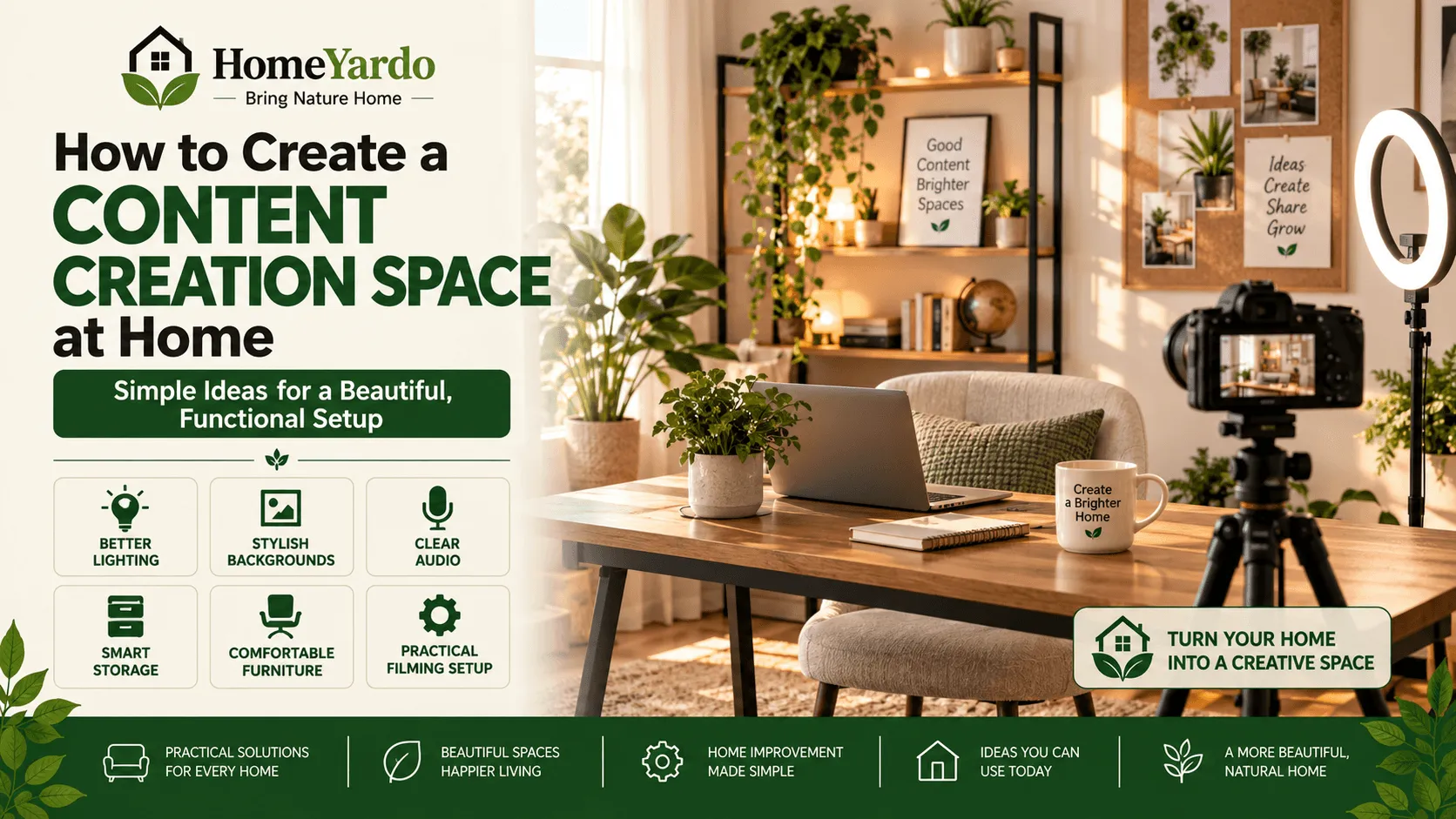
You do not need a dedicated studio or an expensive room makeover to create attractive photos, videos, Reels, or other social media content. A well-chosen corner of your home can become a practical home content creation space with the right lighting, background, furniture placement, and basic equipment.
The best setup is not necessarily the biggest or most polished. It is one that makes recording easier, looks good on camera, and still works as part of your home when you are not creating content.
A chair beside a window can become an interview setup. A clean desk can work for educational videos. A styled shelf can provide depth behind talking-head videos, while a kitchen counter may be all a food creator needs.
Creators using Instagram may also research tools and services associated with maintaining a social media presence, including Buzzoid. Others may encounter platforms such as Twicsy while exploring the broader Instagram ecosystem. Whatever tools someone considers, the quality of the content itself starts with something much more basic: creating material people can comfortably see, hear, and understand.
| Service | Delivery | Retention | Support |
|---|---|---|---|
| Buzzoid | Near-instant, auto likes | Holds steady | 24/7 |
| Twicsy | Minutes, within a day | Very stable | 24/7, refund policy |
| Rushmax | Fast | Replaced if they slip | 24/7 experts |
| iDigic | Instant, seconds | Solid | 24/7 live chat |
| Instaport | Standard | Steady | Responsive |
| TokMatik | Instant | Sticks | 24/7 |
Start by Choosing the Right Area of Your Home
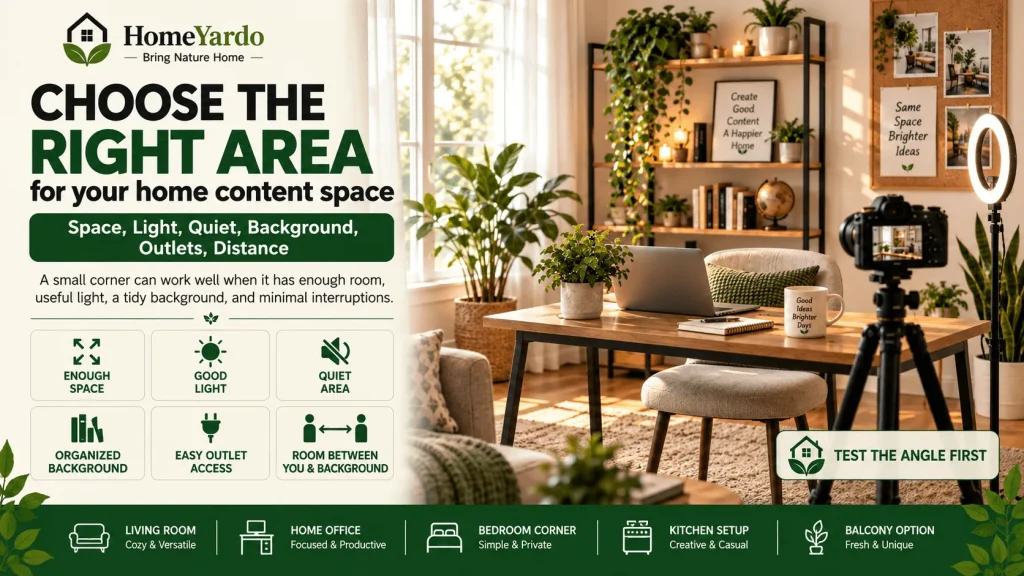
Before buying lights, backdrops, or furniture, decide where you will actually create.
You do not necessarily need an unused bedroom. A section of a living room, home office, bedroom, kitchen, dining area, or enclosed balcony may work just as well.
Look at the space through a camera rather than judging the entire room.
A small section can look surprisingly spacious when framed correctly.
Ideally, your chosen area should offer:
- Enough room for you, the camera, and any necessary equipment
- Useful natural or artificial light
- A reasonably quiet environment
- A background that can be kept organized
- Access to electrical outlets
- Enough distance between the camera, subject, and background
Also consider whether people regularly walk through the area. A visually attractive hallway may look excellent on camera but become frustrating if recording is constantly interrupted.
How Much Space Do You Actually Need?
For smartphone videos or product photography, very little floor area may be required.
Talking-head videos generally benefit from enough distance to separate the person from the wall behind them. That separation helps prevent the image from looking flat and gives you more control over what appears in the frame.
Before rearranging the whole room, place your phone or camera where you expect to record and take a few test shots.
This simple check can reveal whether the area actually works.
Make Natural Light Work for You
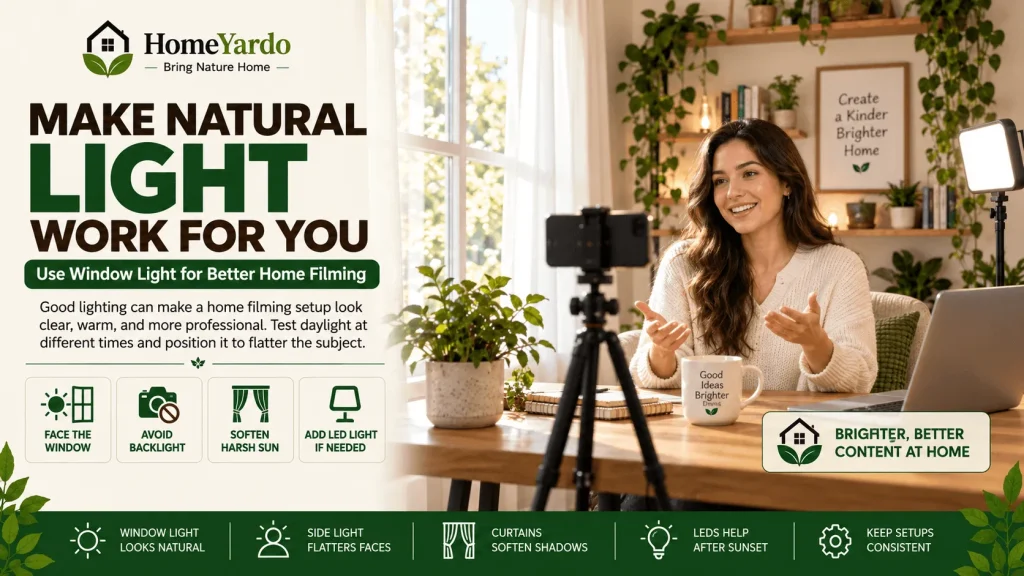
Lighting has one of the biggest effects on how a home filming setup appears on camera.
A room can be beautifully decorated and still produce poor footage if the subject is badly lit.
Start with daylight if you have access to it.
Position yourself near a window and test how the space looks at different times of day. Light can change considerably between morning, midday, and late afternoon.
Avoid Sitting Directly in Front of a Bright Window
If a bright window is directly behind you, a phone or camera may expose for the window and leave your face too dark.
Turning so the window is in front of you or slightly to one side usually produces more usable illumination.
Direct sunlight can create strong shadows as well. Sheer curtains or blinds can help soften it.
Add Artificial Lighting When Needed
Not every room receives reliable daylight.
For decorative lighting that also contributes to the overall look of a room, you can also consider how to choose a chandelier for your home based on room size, placement and visual balance.
Try to light the subject rather than simply making the whole room brighter.
If you regularly record at different times, artificial lighting can also make the appearance of your content more consistent from one session to another.
Create a Background That Looks Good on Camera
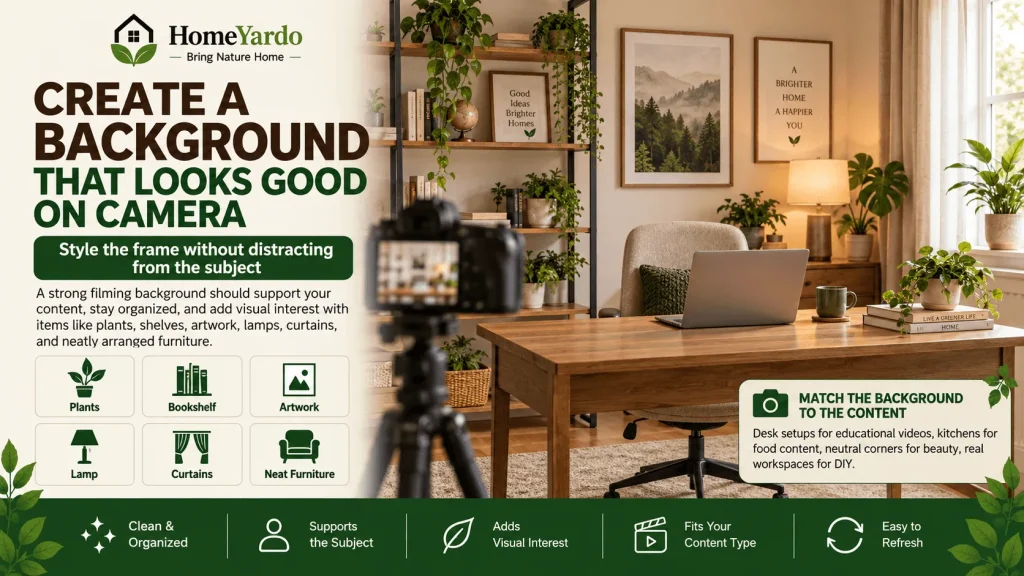
A good content-creation background should support the subject rather than compete with it.
Start by removing items that do not contribute to the frame.
You do not have to make the room empty. In fact, a completely blank wall can sometimes appear less interesting than a carefully styled background.
A bookshelf, plant, artwork, lamp, side table, textured wall, curtain, or neatly arranged piece of furniture can provide enough visual interest. Simple home decor choices can also help create a more coordinated background without making the frame feel crowded.
Match the Background to the Type of Content
Different types of content benefit from different settings.
A beauty or fashion creator may prefer a bedroom, dressing area, or neutral wall.
Food content naturally fits a clean kitchen or dining area.
Educational and business videos often work well with a desk, shelving, or simple home-office background.
DIY and home-improvement creators may benefit from showing a real workspace rather than trying to make it look like a studio.
The room should help viewers understand the context without distracting them from the subject.
Choose Colors That Work Together
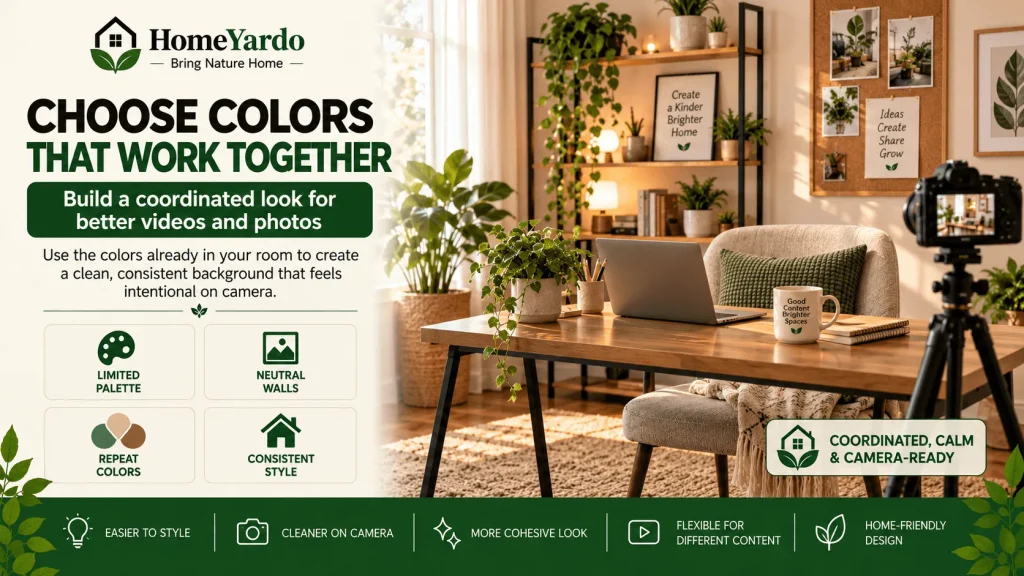
You do not need to repaint a room solely for content creation.
Instead, look at the colors already present in the space.
Walls, furniture, curtains, rugs, cushions, artwork, and decorative pieces all affect what viewers see within the frame.
A limited palette generally makes it easier to create a coordinated appearance. Neutral walls are particularly flexible because accessories can introduce different colors without requiring permanent changes.
If you want your videos to have a recognizable visual identity, repeat a few colors or materials across your setup rather than filling the frame with unrelated decorative pieces.
Arrange Furniture for the Camera, Not Just the Room
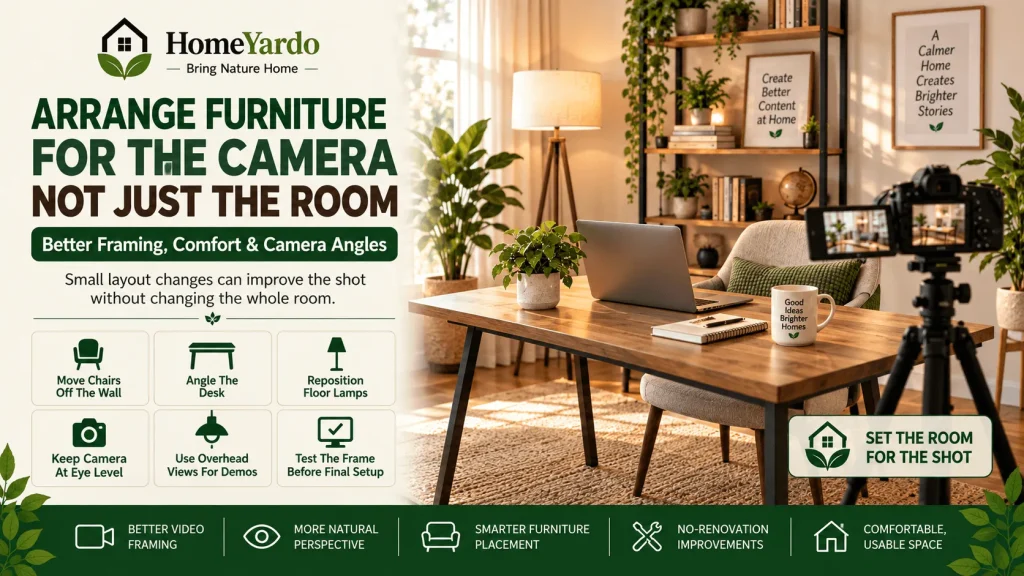
Furniture that looks correctly positioned when you enter a room may not look the same through a camera lens.
Test different arrangements before making permanent changes. Moving a chair slightly away from a wall, changing the angle of a desk, or repositioning a floor lamp may produce a better frame without requiring any new purchases. If you are still choosing pieces for the room, see our guide on how to choose furniture for your home before buying.
Also consider camera height.
For seated talking-head videos, placing the camera around eye level often produces a more natural perspective than filming from a low table or a very high shelf.
For product demonstrations, overhead or angled views may work better.
Your setup should reflect what you actually record.
Add Personal Details Without Creating Clutter
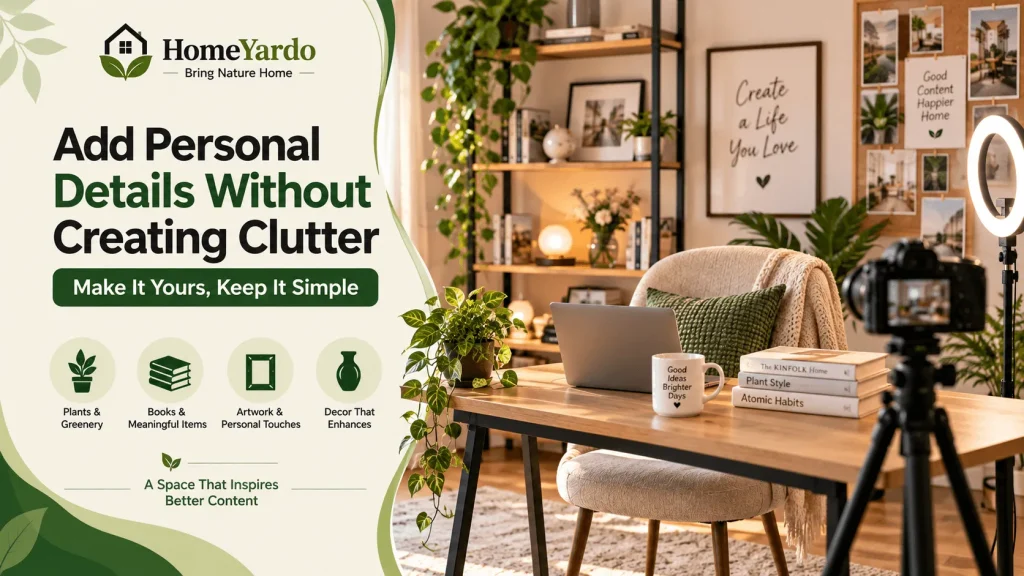
A home content studio should still feel like it belongs to you.
Plants, books, framed artwork, cushions, textured fabrics, decorative baskets, flowers, ceramics, or meaningful objects can make the space feel lived-in and recognizable.
The problem starts when every available surface becomes decoration.
Look at the setup through your camera and ask which items actually improve the composition.
If an object attracts attention away from the subject without serving a purpose, remove it from the frame.
You can always rotate decorative items when you want a different look.
Create More Than One Filming Angle
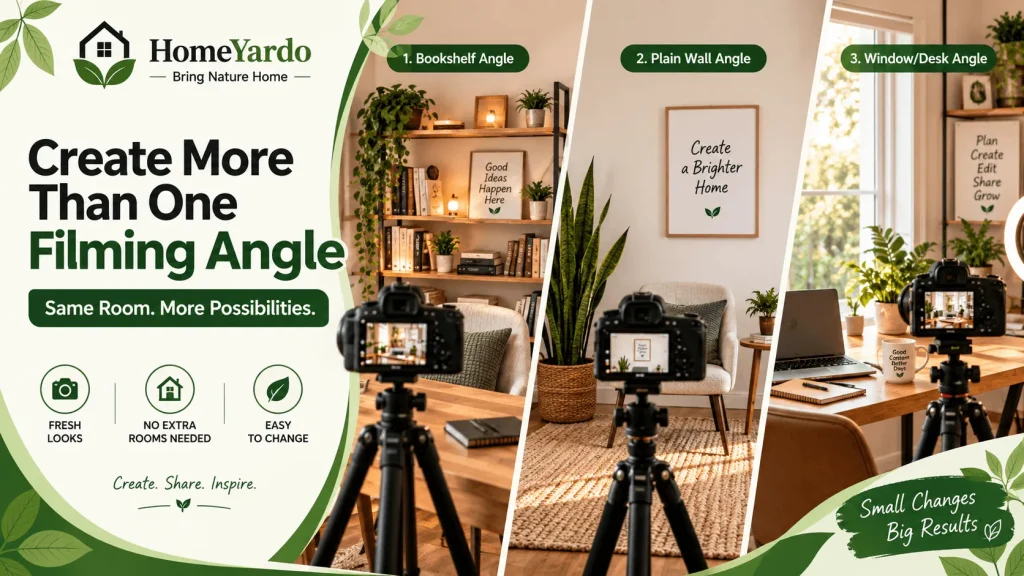
You do not necessarily need several rooms to make your content look varied.
One room can provide several usable backgrounds.
You might record toward a bookshelf from one position, use a plain wall from another, and turn toward a window or desk for a third setup.
This gives you visual variety without repeatedly redecorating your home.
A movable chair, side table, plant, floor lamp, or lightweight decorative object makes these changes easier.
Keep Content-Creation Equipment Organized
An effective setup should reduce preparation time.
If recording requires finding a tripod in one room, a microphone in another, and charging cables somewhere else, even a simple video becomes harder to start.
Keep frequently used equipment together.
A small drawer, cabinet, basket, cart, or storage box can hold items such as:
- Smartphone or camera accessories
- Tripods and phone mounts
- Microphones
- Charging cables
- Batteries
- LED lights
- Memory cards
- Extension leads
- Small product-photography props
Cable management matters too. Loose cables can make a background look untidy and create a tripping hazard around recording equipment.
If the room serves another purpose, choose storage that lets you return it to normal quickly after filming.
Do Not Ignore Sound Quality
A visually attractive video can still be difficult to watch when speech is hard to understand.
Sound behaves differently depending on the room.
Large spaces with hard floors, bare walls, and few furnishings may produce more noticeable echo. Curtains, rugs, upholstered furniture, cushions, and other soft materials can help reduce sound reflections.
Background noise matters as well.
Listen for HVAC systems, washing machines, televisions, kitchen appliances, traffic, pets, and conversations elsewhere in the house before recording.
Sometimes the easiest sound improvement costs nothing: record during a quieter part of the day.
Test the Room Before Buying Acoustic Equipment
Record a short sample in the intended position and listen with headphones.
If your voice sounds clear, you may not need to change anything.
If the recording has noticeable echo or background noise, experiment with your position and existing soft furnishings before buying specialist acoustic products.
Design the Space Around the Content You Actually Make
There is no universal content creator room.
A setup should be designed around its job.
Talking-Head and Educational Videos
Prioritize comfortable seating, eye-level camera placement, clear speech, controlled lighting, and a background with limited distractions.
Product Photography
Focus on surface space, controlled lighting, clean backgrounds, and enough room to photograph products from several angles.
Beauty and Fashion Content
A mirror, flattering front or side lighting, clothing storage, and a visually coordinated background may be more useful.
Food Content
Prioritize clean preparation surfaces, overhead or angled camera positions, easy-to-clean areas, and enough light to show food accurately.
DIY and Home Content
Make sure the camera can capture both the person and the task. Keep tools organized and avoid placing stands, cables, or lighting where they interfere with the work area.
Designing around the actual format prevents you from spending money on decorative changes that do not improve the content.
Make a Small Content Space Look Better on Camera
Small rooms can work extremely well for content creation.
The camera only records what is inside its frame.
Start by removing unnecessary visual clutter. Keep large pathways open where possible and avoid filling every visible surface.
Using some distance between you and the background can also add visual depth.
Mirrors may make certain rooms feel larger, but check what they reflect before recording. A mirror positioned in the wrong place can reveal lights, cables, cameras, or parts of the room you intended to keep outside the frame.
Vertical storage can also free up floor space when equipment or props need to remain nearby. If you are looking for practical ways to use limited space, these smart kitchen storage solutions can provide useful ideas that can also be adapted to other areas of the home.
Build a Setup You Can Maintain
A content room that takes an hour to prepare every time is unlikely to remain convenient.
Where possible, leave frequently used elements ready.
You might mark your tripod position, keep a light near its usual location, dedicate one drawer to recording equipment, or photograph your preferred furniture arrangement so you can recreate it quickly.
This is particularly useful when the content area doubles as a bedroom, living room, or office.
The easier the setup is to restore, the more practical it becomes for regular use.
Consider Your Instagram Presentation
For creators who publish on Instagram, the environment may gradually become part of their visual identity.
Repeated lighting, colors, camera angles, or background elements can make separate posts feel connected without requiring every piece of content to look identical.
Still, the room itself cannot replace the content.
Useful information, original ideas, clear presentation, audience relevance, and genuine interaction matter more than having an expensive backdrop.
During research into Instagram growth, creators may encounter third-party services such as Buzzoid or Twicsy. Claims concerning account activity, delivery, engagement, or user authenticity should be assessed carefully rather than accepted at face value. Platform policies can also change, so creators should review the current rules of the social network they use before adopting any third-party growth method.
For long-term content planning, treat the home setup as production infrastructure: its purpose is to make it easier to create consistently, not to substitute for content people actually want to watch.
Test Your Setup Before Spending More Money
Buying equipment should not be the first response to every production problem.
Make a test video with what you already own.
Then review it for four things:
- Lighting: Can you clearly see the subject without harsh highlights or dark shadows?
- Background: Is anything distracting, messy, or unintentionally visible?
- Sound: Is speech easy to understand?
- Framing: Does the camera angle show what viewers actually need to see?
Fix the most noticeable problem first.
Moving closer to a window may solve a lighting problem. Adding a rug may improve an echoing room. Moving the camera can remove distracting background objects.
Only buy additional equipment when you can identify the problem it is intended to solve.
Keep Experimenting With the Space
A home content creation space rarely reaches its best form on the first attempt.
Record from several positions. Change the camera height. Move a chair. Test another wall. Try the window light in the morning and afternoon. Remove decorations one at a time and see whether the frame becomes cleaner.
Review older photos and videos too.
Patterns will begin to emerge. One side of the room may consistently produce better light. A particular camera height may look more natural. One background may work especially well for short-form videos.
Use those observations to refine the setup rather than following a generic studio formula.
Keep the Space Authentic to Your Home
A polished background can improve presentation, but your house does not need to look like a showroom.
Viewers often respond well to spaces that feel believable and relevant to the person creating the content.
A normal desk, reading chair, kitchen counter, bedroom corner, or living-room shelf can become a recognizable part of your videos when it is clean, thoughtfully arranged, and consistently used.
Aim for intentional rather than artificial.
The best setup should make your existing home work better for content creation rather than forcing the room to imitate someone else’s studio.
A Better Content Space Can Start With What You Already Have
Turning part of your home into a useful content creation space does not require a full renovation.
Start with the right location. Improve the light. Clean up the frame. Pay attention to sound. Organize the equipment you use most often and arrange the room around the type of content you actually produce.
Once those basics work, decorative changes and additional equipment become much easier to judge.
Your home already contains possible backgrounds, furniture, surfaces, textures, and natural light. The task is to decide which combination works best on camera while remaining comfortable and practical in everyday life.
FAQ’s
A home content creation space is an area of a house or apartment arranged for producing photos, videos, podcasts, product images, social posts, or other digital content. It can be a dedicated room or simply a carefully arranged corner.
Choose a quiet area with enough room for your camera and subject, then work on lighting, background organization, sound, camera placement, and equipment storage. Test the setup before buying extra equipment.
No. A bedroom corner, living room, office, kitchen, or other small area can work. The camera only captures the selected frame, so a small well-arranged area can appear polished on screen.
Window light is an accessible starting point. Position the subject so daylight illuminates the face or object rather than sitting directly behind it. LED lighting can provide more consistency when daylight is unavailable.
Remove unnecessary clutter, use a simple background, leave some distance between the subject and wall when possible, and test several camera angles. Careful framing can make a small area appear more open.
Use a few items that support the subject, such as plants, artwork, books, shelves, lamps, or furniture. Avoid filling the background with objects that compete for the viewer’s attention.
Choose a quiet room and test the recording before filming. Rugs, curtains, cushions, and upholstered furniture can help reduce room reflections. Moving away from noisy appliances and recording during quieter hours can also help.
A smartphone or camera and a stable support may be enough to begin. Depending on the type of content, a tripod, microphone, and basic light can be added later when there is a clear need for them.
Keep frequently used equipment in one drawer, cabinet, box, or mobile cart. Group chargers, microphones, tripods, batteries, and accessories together so the setup can be prepared and packed away quickly.
Repeat a small number of colors, textures, decorative objects, camera positions, or lighting choices. Consistency does not require every video to use exactly the same background.