9 Home Exterior Paint Color Visualizers For Your House
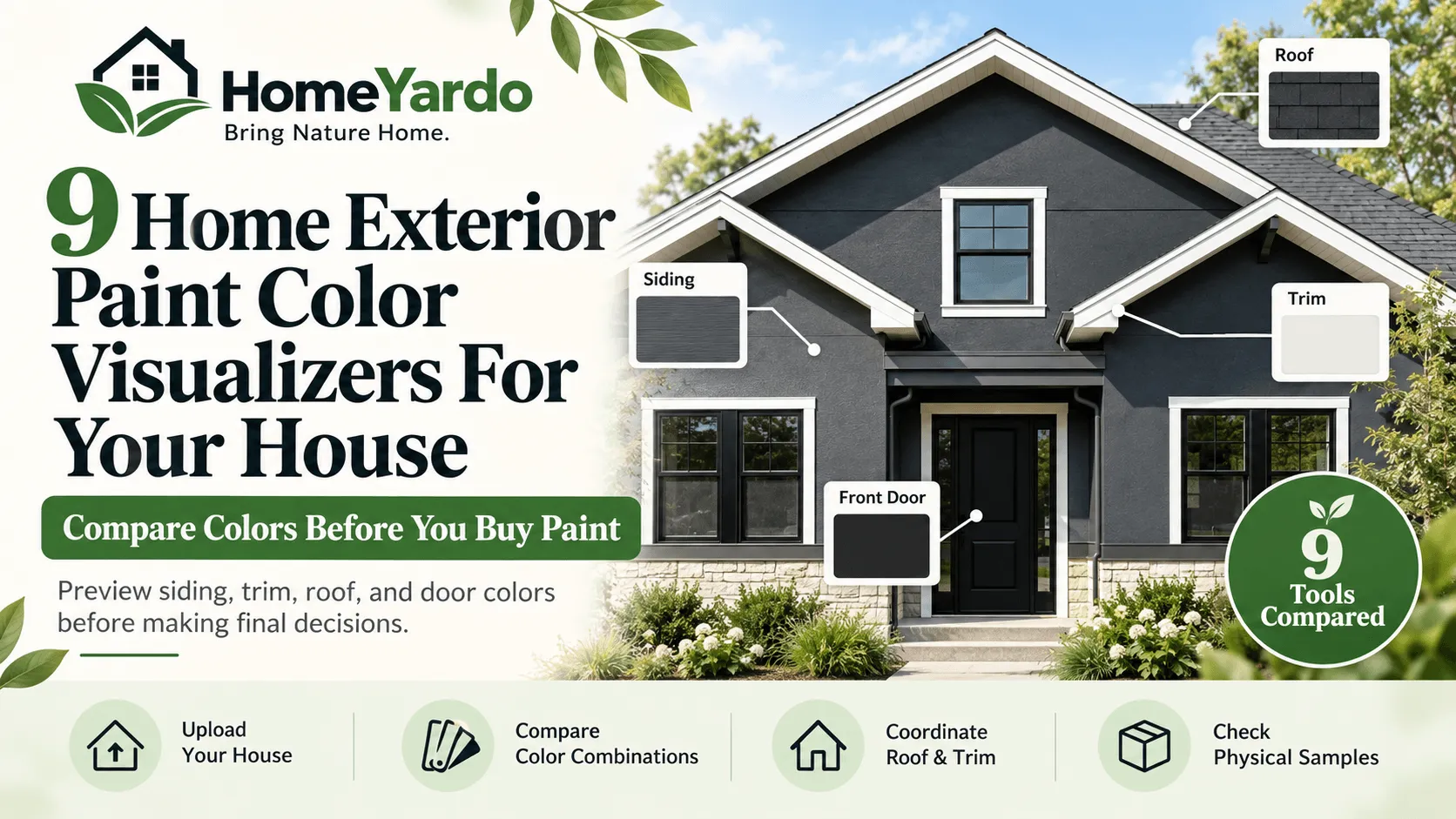
Choosing exterior paint colors can become complicated when several parts of your home need attention at once. The siding, roof, trim, front door, and garage door all contribute to the finished appearance.
Imagine replacing the roof on a 1960s split-level home while planning to repaint its siding. The roofer needs a shingle color, the painter needs an exterior palette, and every choice affects the others.
Planning exterior colors is easier when painting decisions form part of your broader home improvement projects, particularly when roofing, siding, and trim need updating together. f
Home exterior paint color visualizers help simplify this process by letting homeowners preview different colors on photographs of their houses before purchasing paint.
Some tools provide simple color previews. Others support multiple paint brands, independent surface selection, color matching, and saved combinations.
The following nine tools are compared using their documented features, with particular attention to exterior painting, roof coordination, customization, and ease of use.
These comparisons are based on published product information rather than independent hands-on testing. Features, availability, and pricing may change. Digital previews should always be checked against physical paint and roofing samples.
How We Compared These Paint Visualizers
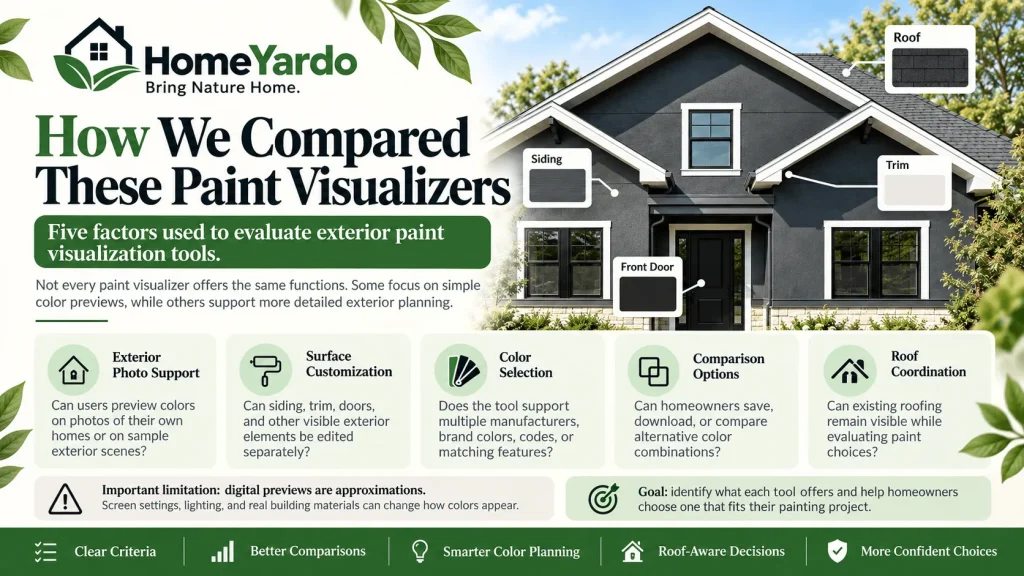
Not every paint visualizer offers the same functions. Some primarily help users choose paint colors, while others support more detailed exterior design planning.
This comparison considers five factors:
- Exterior photo support: Whether users can preview colors on photographs of their homes or suitable sample scenes.
- Surface customization: Whether users can work with siding, trim, doors, and other visible exterior elements.
- Color selection: Whether tools support multiple manufacturers, individual brands, color codes, or matching features.
- Comparison options: Whether homeowners can save, download, or compare alternative color combinations.
- Roof coordination: Whether existing roofing can remain visible when evaluating exterior paint choices.
The comparison also considers important limitations, including differences between digital colors and finished building materials.
The goal is to identify what each tool offers and help homeowners select one according to their painting project.
1. paintcolorvisualizer.com
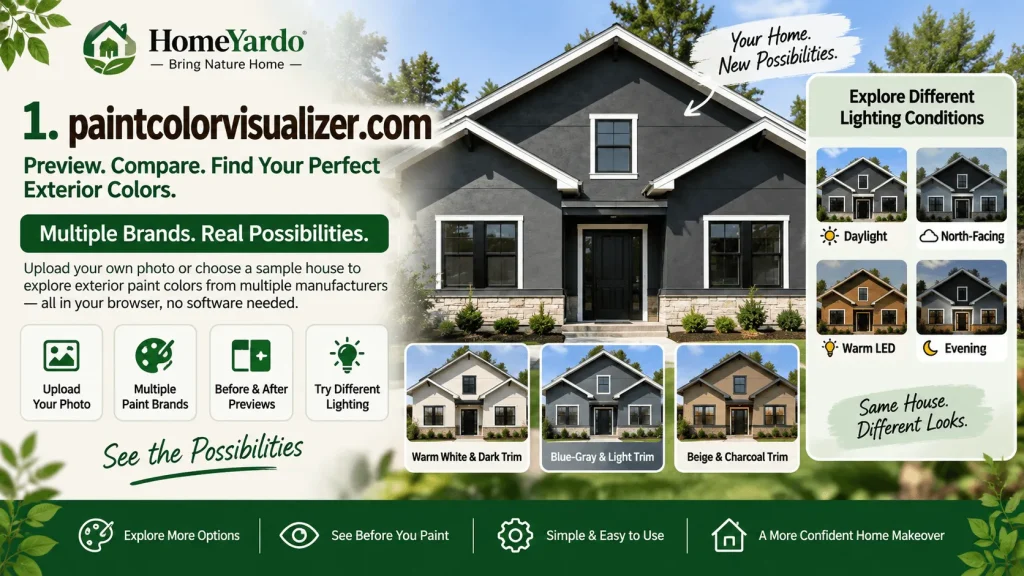
For homeowners who want to explore several exterior color combinations before settling on a particular brand, paintcolorvisualizer.com provides a browser-based starting point.
The tool supports personal photographs and sample scenes, allowing users to preview different paint colors without installing additional software.
Its color library includes multiple manufacturers, making it useful during the early stages of exterior renovation planning.
Features and Exterior Painting Applications
The visualizer provides color selection, before-and-after previews, and several simulated lighting conditions.
Available lighting options include daylight, north-facing light, warm LED, and evening settings.
These can help homeowners compare how different color combinations appear under simulated conditions.
Consider a house with a charcoal-colored roof. A homeowner might compare warm white siding with dark trim against a blue-gray exterior with lighter trim.
The ability to preview contrasting combinations makes it easier to narrow the initial choices.
However, simulated lighting cannot reproduce the exact sunlight, shadows, or surrounding reflections affecting an individual property.
Suitable for: Homeowners beginning their exterior color search who want to compare several paint options without committing to one manufacturer.
2. Coloraw
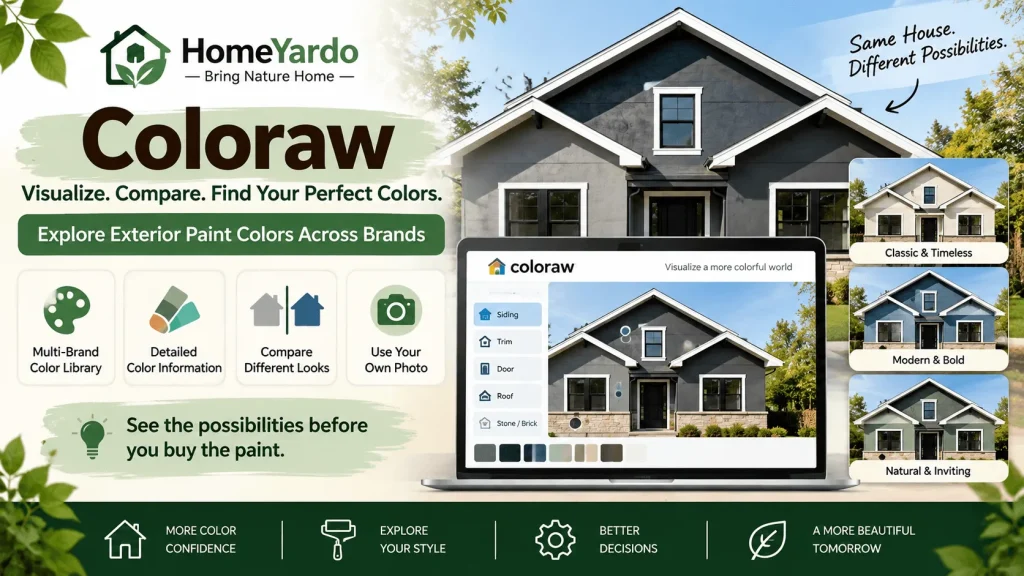
Coloraw is another option for homeowners exploring different exterior paint combinations.
The tool provides access to paint colors from multiple manufacturers and supports previews using personal photographs or sample exterior scenes.
It is particularly useful when homeowners want to explore color families before selecting physical samples.
From a single photo, Coloraw can help users preview paint colors on their property.
Features and Exterior Painting Applications
Coloraw provides a large multi-brand color library, color information, and options for comparing different appearances.
Its published color tools include color names, codes, undertones, light reflectance values, and comparable colors from other manufacturers.
These details can help homeowners compare similar shades without repeatedly switching between manufacturers’ websites.
For a split-level house with a dark roof and prominent garage, homeowners can explore whether lighter siding or a stronger contrasting color creates their preferred appearance.
The existing roof, brick, stone, and other permanent features should remain part of the decision.
When using automatic surface detection, inspect the resulting image carefully. Complex rooflines, shadows, windows, and exterior details can affect the accuracy of selected areas.
A preview should not be treated as confirmation that a particular paint will match roofing materials in natural light.
Suitable for: Homeowners comparing paint colors across manufacturers and exploring complete exterior color combinations.
3. Paintuma
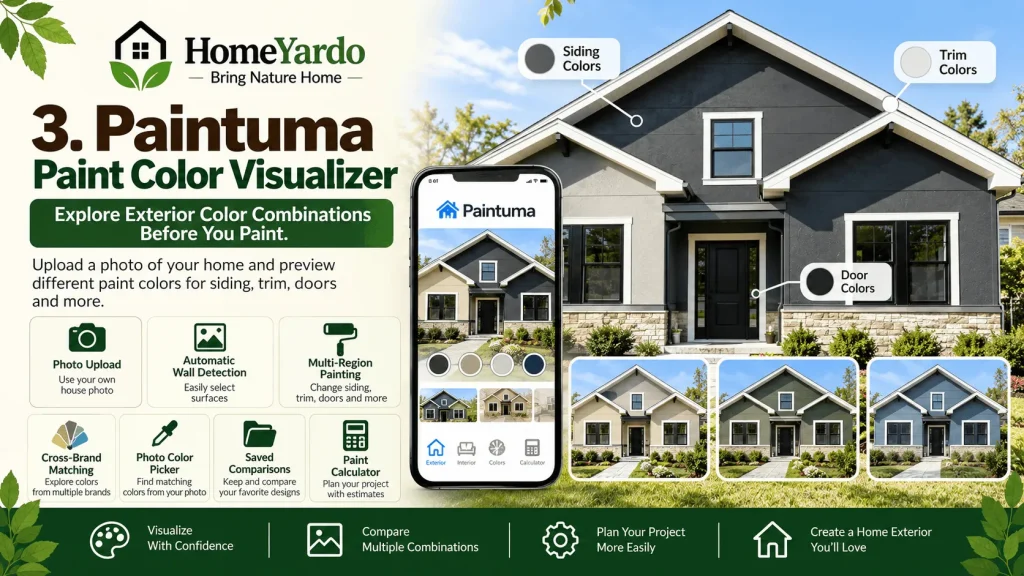
Paintuma focuses on helping homeowners visualize paint colors before beginning interior or exterior painting projects.
Its exterior functionality makes it useful for comparing siding, trim, doors, and other paintable surfaces.
With the Paintuma Paint Color Visualizer, homeowners can work from a photograph of their property or an available example scene.
The tool helps users explore different color combinations while considering surrounding materials.
Features and Exterior Painting Applications
Paintuma supports interior and exterior previews, paint color searches, and project comparisons.
Its mobile application also documents automatic wall detection, multi-region painting, cross-brand matching, photo-based color selection, saved comparisons, and a paint calculator.
These features are useful when homeowners already have a roof color and want to develop a coordinated exterior palette.
For example, someone who has selected dark gray roofing could compare cream, light gray, and muted green exterior paint.
They could then explore contrasting trim and door colors without changing the selected roofing material.
The photo color picker offers another way to identify colors resembling existing building materials.
However, photographs are affected by camera settings and lighting. Colors sampled from a roof photograph should be considered starting points rather than exact matches.
Likewise, a digital similarity measurement does not guarantee that two physical materials will look identical.
The paint calculator can help with preliminary planning, but final quantities should reflect actual measurements, surface texture, the number of coats, and manufacturer coverage information.
Suitable for: Homeowners who want to organize exterior paint combinations around existing roofing and other permanent features.
4. Glidden Paint Color Visualizer
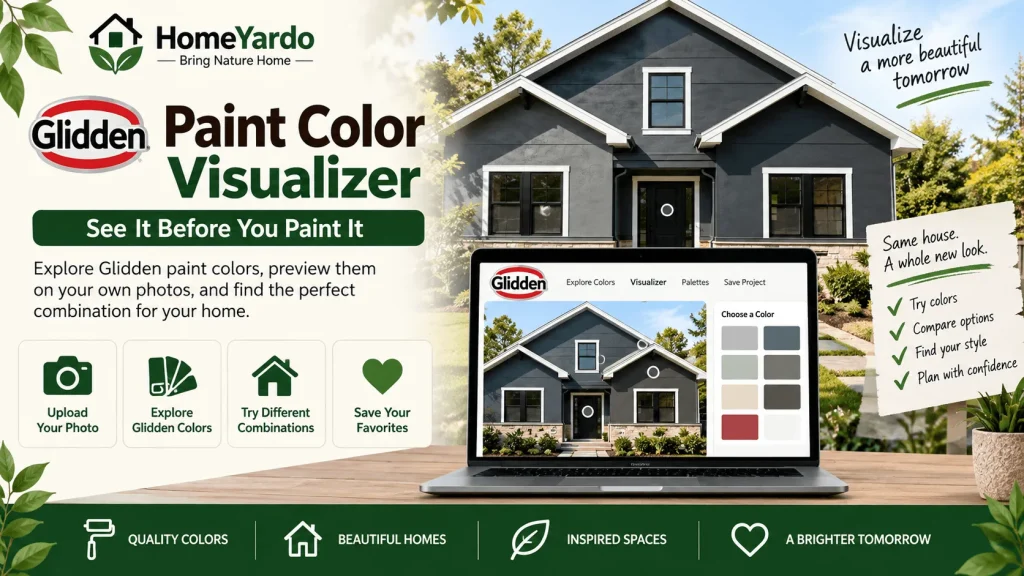
The Glidden Paint Color Visualizer provides a straightforward way to explore the manufacturer’s paint colors.
Users can upload photographs or work with available sample scenes to preview different combinations.
It also provides access to curated palettes and color selection tools.
Features And Exterior Painting Applications
The visualizer supports selecting colors from Glidden’s library and applying them digitally to suitable surfaces.
Homeowners can experiment with body colors and complementary trim combinations.
Projects can also be saved for later reference.
For someone already planning to purchase Glidden paint, this reduces the need to compare unrelated manufacturers.
However, the tool is primarily presented as a room visualizer. Homeowners should confirm that its current interface supports the exterior surfaces and level of detail required for their projects.
Suitable for: Homeowners planning to use Glidden paint who want a straightforward color preview.
5. Benjamin Moore Color Portfolio
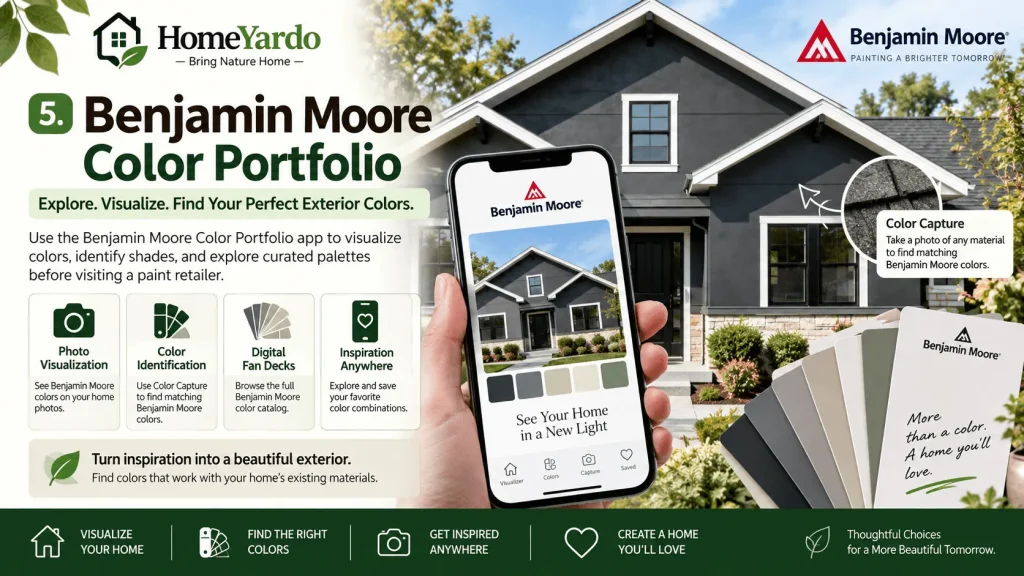
Benjamin Moore Color Portfolio provides several tools for exploring the manufacturer’s colors.
The mobile application supports photo visualization, color identification, digital fan decks, and browsing the Benjamin Moore color catalog.
These features can help homeowners explore color combinations before visiting a paint retailer.
Features And Exterior Painting Applications
The application’s Color Capture function lets users photograph an existing object or material and identify similar Benjamin Moore colors.
This can help homeowners generate ideas from existing brickwork, stone, or roofing.
Its photo and video visualization features provide additional ways to explore paint colors.
For example, a homeowner with warm brown roofing might use the color-matching function to identify complementary neutral paint colors.
These selections can then be checked against physical samples.
Although the application supports visualization on different surfaces, users should verify whether its current features offer sufficient control for detailed exterior projects.
Suitable for: Homeowners planning to use Benjamin Moore paint who want integrated color identification and visualization tools.
6. Valspar Color Visualizer
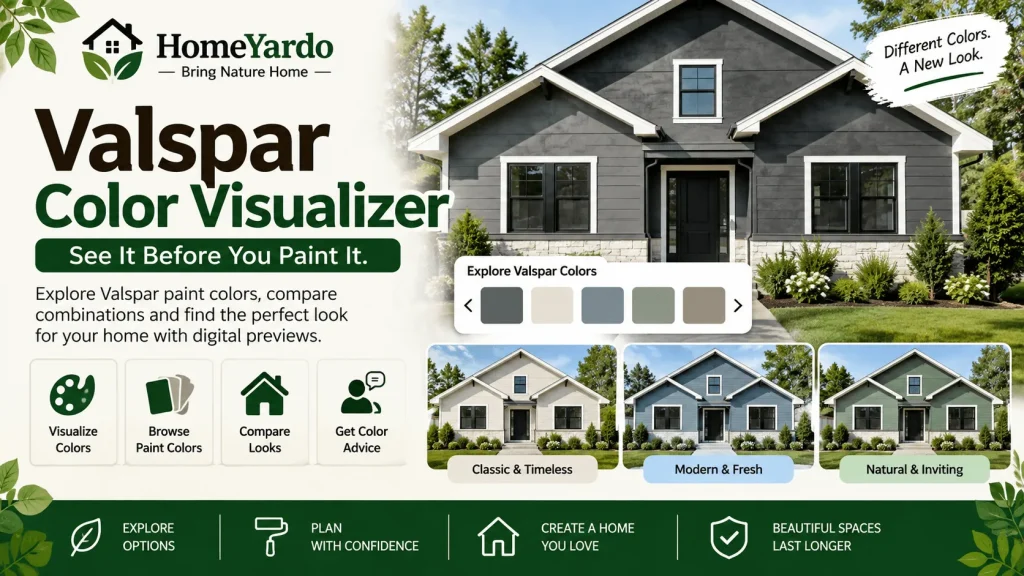
The Valspar Color Visualizer helps homeowners explore the manufacturer’s paint colors using digital previews.
It offers a straightforward approach for people who have already narrowed their paint selection to Valspar products.
Features And Exterior Painting Applications
Valspar provides digital color visualization, color browsing, paint chips, and access to virtual color consultation resources.
Its visualizer allows users to compare colors in available sample spaces.
For an exterior painting project, homeowners can begin by identifying colors that coordinate with their roofing and existing materials.
Those combinations should then be checked using physical paint chips and samples.
Because the current visualizer emphasizes room previews, confirm the availability of suitable exterior scenes or photo-upload capabilities before relying on it for a complete facade design.
Suitable for: Homeowners considering Valspar colors who want to explore the brand’s available selection.
7. PPG Paint Color Visualizer
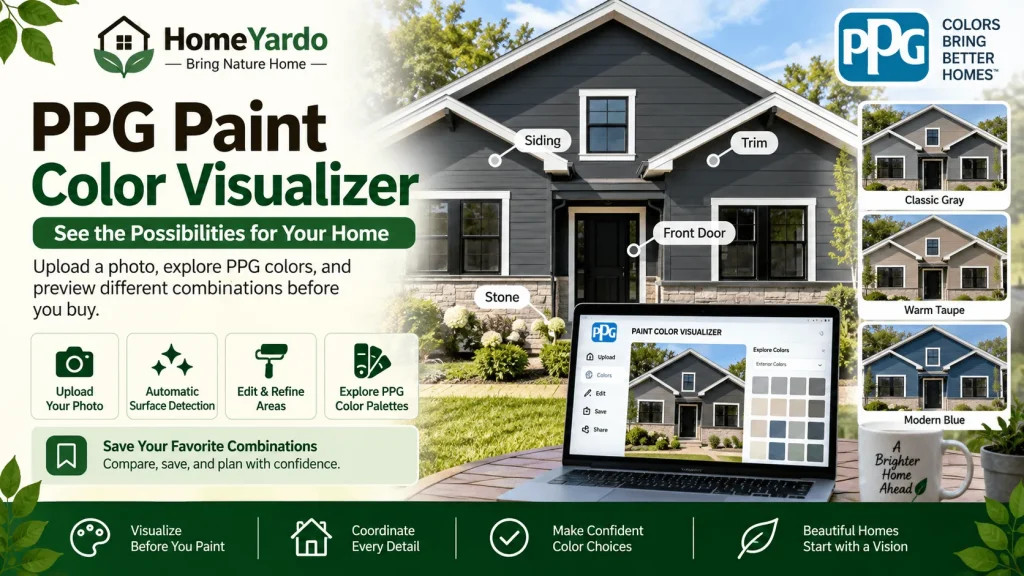
PPG’s Paint Color Visualizer helps homeowners preview different paint colors before making a final purchase.
The browser-based tool supports uploading photographs, exploring color palettes, and saving preferred combinations.
Features and Exterior Painting Applications
PPG documents automatic edge detection, which helps identify surfaces within uploaded photographs.
The visualizer also includes editing options, making it possible to refine selected areas.
Users can browse paint colors, explore curated combinations, and save project information.
This can be helpful when coordinating exterior paint with materials that will remain unchanged.
For example, homeowners might compare two siding colors against existing stonework and roof shingles.
For detailed projects, verify that the application correctly identifies the required exterior surfaces.
Suitable for: Homeowners or contractors planning to use PPG products who want digital color previews and project-sharing options.
8. BEHR Color Visualizer Paint Your Place
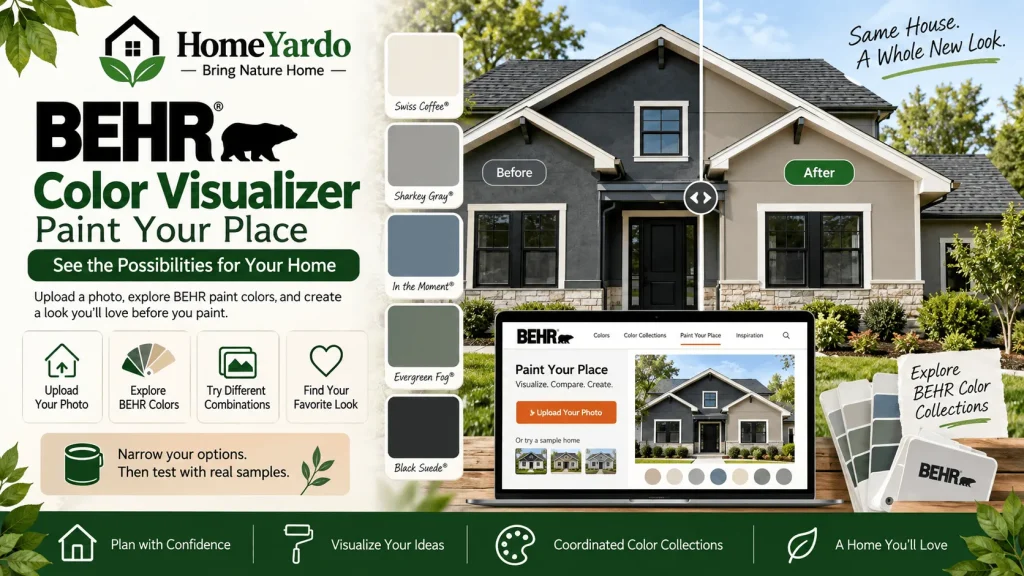
BEHR offers digital color visualization through its color tools and Paint Your Place functionality.
Homeowners can upload photographs and explore different BEHR paint colors.
The company also provides color collections that can help users identify coordinating combinations.
Features and Exterior Painting Applications
Paint Your Place allows homeowners to preview colors on photographs of their spaces.
The available tools also support browsing paint colors and exploring coordinated color combinations.
For homeowners repainting their exterior, the main benefit is being able to narrow their preferred BEHR colors before purchasing samples.
A homeowner considering a light neutral exterior, for example, could explore several shades from the manufacturer’s collections.
The selected colors can then be compared against existing roofing, brick, and trim.
Because tools and sample-scene availability can change, confirm that the required exterior preview options are available when starting the project.
Suitable for: Homeowners planning to purchase BEHR paint who want to explore the manufacturer’s color collections.
9. Sherwin-Williams ColorSnap Visualizer
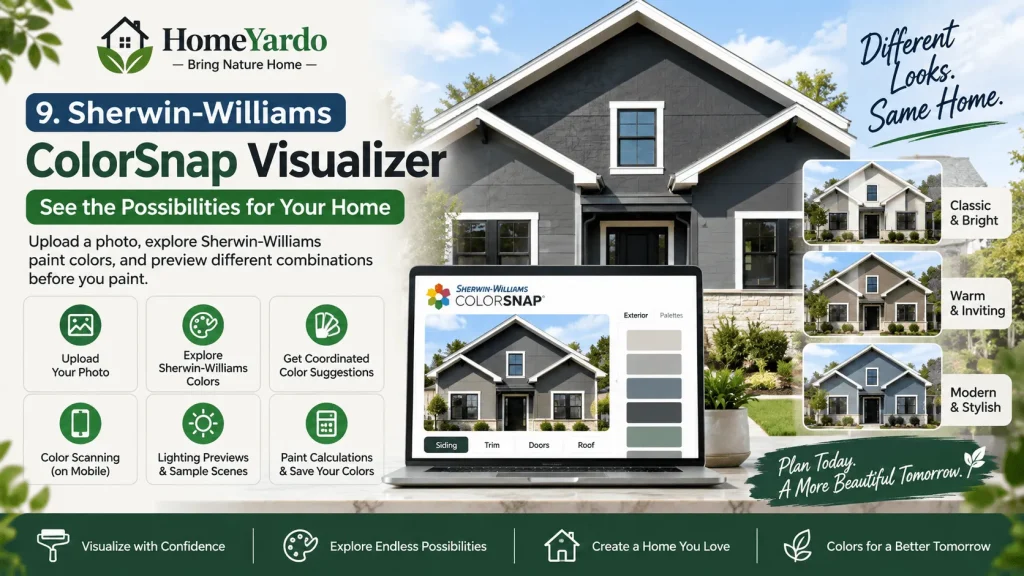
Sherwin-Williams ColorSnap Visualizer is designed to help users explore the manufacturer’s paint colors and coordinating palettes.
Its browser-based visualizer supports uploading photographs or selecting available sample scenes.
Homeowners can apply different colors digitally to compare their appearance.
Features and Exterior Painting Applications
ColorSnap provides color exploration, coordinated color suggestions, and digital visualization.
Its mobile application also includes color scanning, lighting previews for sample scenes, paint calculations, and saved color information.
These features help homeowners move from initial color inspiration to a smaller selection of possible combinations.
For a house with existing charcoal shingles, homeowners could explore neutral siding colors and contrasting trim using the available Sherwin-Williams palette.
The company’s exterior color collections also provide starting points for developing a coordinated appearance.
However, the appearance of individual colors will still depend on lighting, surface texture, and surrounding materials.
Suitable for: Homeowners planning to use Sherwin-Williams paint who want access to coordinated color collections and digital previews.
How to Choose the Right Exterior Paint Visualizer
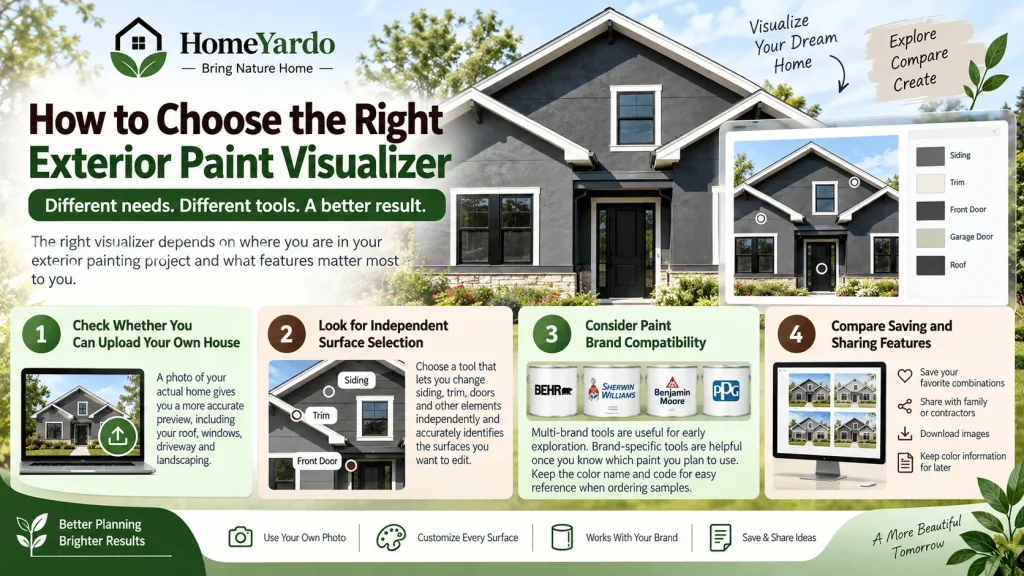
The right tool depends on how far along you are in your exterior painting project.
Someone exploring several different manufacturers has different requirements from someone who has already selected a particular paint brand.
Homeowners exploring broader design possibilities can also use an AI image generator for home improvement ideas before narrowing their choices with dedicated paint visualization tools.
Consider the following factors when choosing a visualizer.
Check Whether You Can Upload Your Own House
A photograph of your actual property provides more useful context than a generic sample house.
It allows you to consider existing features, including the roof, windows, driveway, brick, and surrounding landscape.
Choose a tool that supports your own photographs if you need to coordinate several exterior elements.
Look for Independent Surface Selection
Siding, trim, doors, and other painted elements may require different colors.
A visualizer with suitable surface-selection options makes it easier to experiment with these combinations.
Check whether the tool correctly identifies the surfaces you want to change.
Consider Paint Brand Compatibility
Multi-brand tools are useful during early color exploration.
Manufacturer-specific tools become more useful once you have decided which paint products you intend to purchase.
Keeping the manufacturer’s color name and identification number helps prevent confusion when ordering samples.
Compare Saving and Sharing Features
Saving multiple combinations makes it easier to review your options with family members or painting contractors.
Before beginning, check whether the visualizer allows you to download images, retain color information, or revisit saved projects.
These features can reduce the need to recreate combinations during the planning process.
How to Coordinate Roof and Exterior Paint Colors
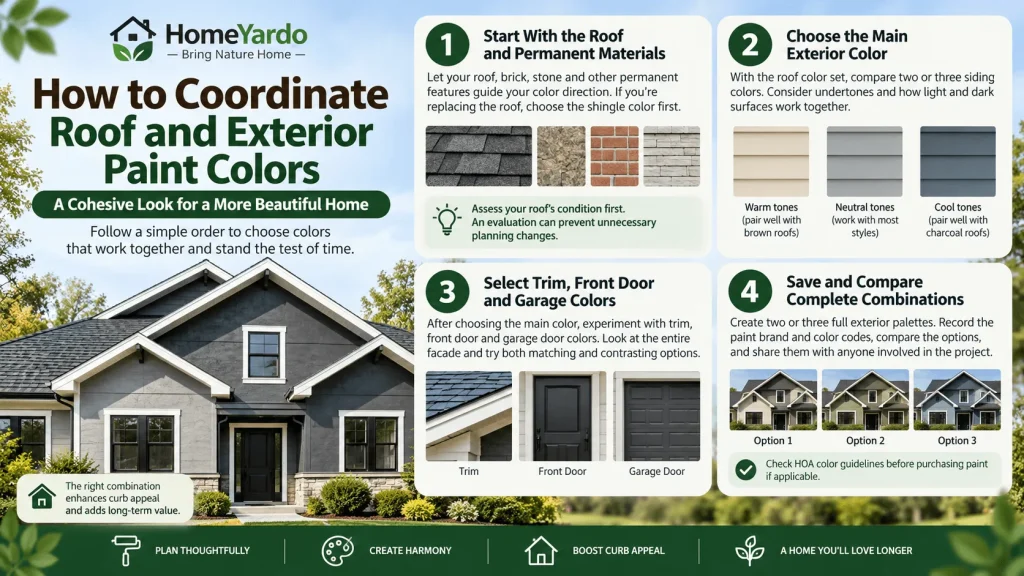
Choosing exterior paint colors becomes more complicated when roofing, siding, and trim are being replaced or updated together.
Following a consistent order can help homeowners avoid repeatedly changing their selections.
Start With the Roof and Permanent Materials
Roofing, brick, stone, and other permanent materials should influence the initial color direction.
If a roof replacement is planned, narrow the shingle color before making final paint selections.
If the roof will remain unchanged, include it in every digital preview.
Homeowners uncertain about their roofing condition should check the signs your roof needs replacement before finalizing exterior paint colors. Assessing the roof first can prevent unnecessary planning changes.
Choose the Main Exterior Color
Once the roof color is established, compare two or three possible siding colors.
Pay particular attention to undertones and the relationship between light and dark surfaces.
For example, warm brown roofing may coordinate with cream, beige, or other warm exterior colors.
Charcoal roofing can work with several different color families, depending on its undertones and the home’s architectural style.
These combinations are starting points rather than fixed design rules.
Select Trim, Front Door, and Garage Colors
After selecting the main siding color, experiment with trim and accent colors.
Look at the entire facade rather than choosing each color independently.
A garage door can occupy a substantial portion of the front of a house, so its color can noticeably affect the overall appearance.
Compare matching and contrasting options before deciding.
Save and Compare Complete Combinations
Instead of continuously changing individual colors, create two or three complete exterior palettes.
Record the manufacturer and color code for every painted surface.
Compare the combinations with the existing property and share the preferred options with anyone involved in the project.
If the property belongs to a homeowners association, check applicable color restrictions before purchasing paint.
How Accurate Are Exterior Paint Visualizers?
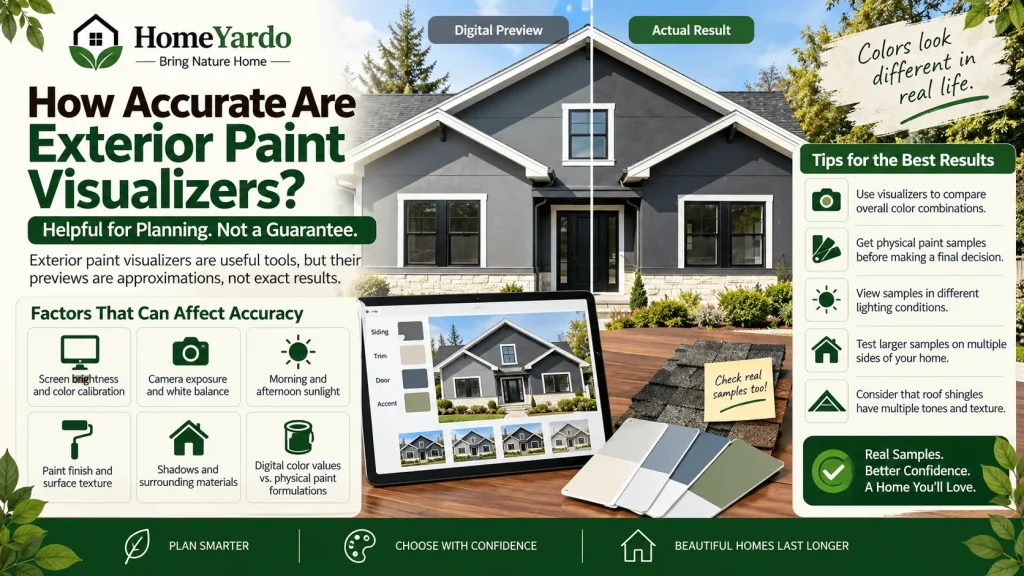
Exterior paint visualizers are useful planning tools, but their previews are approximations rather than guarantees of finished results.
Several factors can affect the difference between an on-screen image and actual exterior paint.
These include:
- Screen brightness and color calibration
- Camera exposure and white balance
- Morning and afternoon sunlight
- Paint finish and surface texture
- Shadows and surrounding materials
- Differences between digital color values and physical paint formulations
Roofing presents an additional challenge because shingles often contain several granule colors and textured surfaces.
A digitally colored roof cannot fully reproduce these characteristics.
Use visualizers to compare overall color relationships and eliminate combinations that do not appeal to you.
Once you have narrowed the selection, obtain physical paint samples and view them beside the actual roofing material.
Where practical, test sufficiently large painted samples in more than one location and observe them at different times of day.
This final check is particularly important when selecting expensive, long-lasting exterior finishes.
Final Thoughts
Exterior paint visualizers can make choosing house colors easier by allowing homeowners to compare combinations before buying paint.
Multi-brand tools such as paintcolorvisualizer.com, Coloraw, and Paintuma provide options for exploring different paint manufacturers.
Brand-specific applications, including those offered by Glidden, Benjamin Moore, Valspar, PPG, BEHR, and Sherwin-Williams, are useful when homeowners have already narrowed their preferred paint products.
Choose a tool according to the surfaces you need to visualize, your preferred manufacturer, and whether you need to save or compare several designs.
Use the resulting previews to narrow your options, then confirm the final combination using physical samples under actual outdoor lighting.
FAQ’s
An exterior paint color visualizer is a digital tool that lets homeowners preview different paint colors on photographs or sample images of houses. Some tools support multiple paint manufacturers, while others focus on a single brand.
Yes. Several exterior paint visualizers allow homeowners to upload personal photographs and apply digital colors to selected surfaces. Available customization features vary between applications.
Some visualizers provide free browser-based functionality, while others may offer additional features or impose usage restrictions. Check the current pricing and account requirements before selecting a tool.
Some exterior design applications allow users to preview changes to multiple exterior elements, potentially including roofing. However, roof-specific editing is not available in every tool. Check the application’s current surface-selection features before choosing it for roof visualization.